Our story
About Us
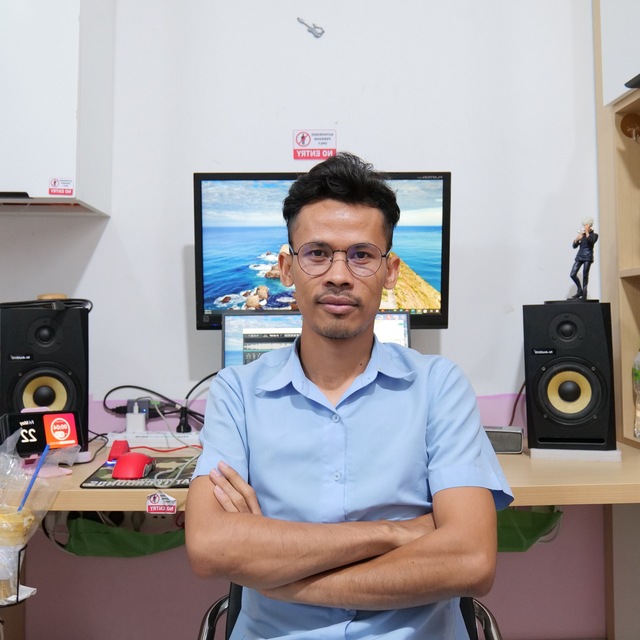
Pisey Rio
Founder & Developer
Cambodia
Welcome! I am a developer from Cambodia…
19 powerful tools in one app…
19 media & document tools in one app — runs on your computer
Pages to PNG, JPG, WEBP
Batch convert & compress
Whisper AI local
Paste link, save video
From Khmer voice generation to professional video editing — all running locally on your machine.
Transcribe podcasts, meetings & interviews locally.
Batch convert, YouTube & Facebook download, video → audio.
Convert PDF pages to PNG, JPG, or WEBP.
Translate text to any language — free, no API key.
Combine photos into one clean PDF.
Convert PDF to Word, PowerPoint, or Excel.
OCR photos to editable Word, PowerPoint, or Excel.
Natural Khmer text-to-speech, download as MP3.
AI extracts speech from video. Khmer supported.
Split music & vocals with studio dual-track view.
Trim, fade, adjust volume — export new MP3.
Multi-track timeline, color, transitions, subtitles.
Paste a link — AI transcribes the speech.
OCR from photos & screenshots. Khmer supported.
Crop, layers, heal, auto-enhance & batch export.
Summarize long articles & documents instantly.
Compress & shrink large PDF files.
Word, Excel, PowerPoint to JPG images.
Shrink image file size without losing quality.
Download once, run on your PC forever. Your files never leave your computer.
Just click Download on this page…
Extract the .rar to a folder (WinRAR or 7-Zip).
Double-click START Rio Toolkit.bat…
Trial includes…
Pay via KHQR…
Start with Trial — upgrade when you need the full toolkit.
Included with every download…
Unlock every tool…
Four simple steps to unlock all Pro tools on your computer.
Install the app, open Activate, copy your Machine ID.
Choose a plan and pay in your bank app — or buy a coffee if you're on a budget.
Send your Machine ID and payment info so Rio can verify your transfer.
Receive your license key by email within 24 hours.
Welcome! I am a developer from Cambodia…
No. Rio Media Toolkit runs entirely on your PC…
Windows 10 or 11…
The package includes AI models…
Point them to this website…
Trial (free, no key): Audio→Text, Media Converter…
You pay with KHQR inside your own bank app…
Download Rio Media Toolkit and start with Trial — upgrade to Pro anytime.
⬇ Download for Windows Pay now →